Why Is Your Janome MS3015 Not Sewing in Reverse?
If your Janome MS3015 is not sewing in reverse, check the reverse control, stitch selection, and fabric setup first. Test slowly on a scrap and arrange service if the control binds or the machine makes unusual noises.
On this page (9 sections)
- What should you check first when the Janome MS3015 won't sew in reverse?
- Could the selected stitch affect reverse stitching?
- What if the reverse control is stuck or doesn't spring back?
- Can threading, lint, or fabric setup cause the problem?
- How do you set up a clear reverse test?
- What common mistakes can make reverse seem broken?
- When should you stop and arrange service?
- Which sewing references help while you troubleshoot?
- What is the decision if your Janome MS3015 still won't reverse?
If your Janome MS3015 is not sewing in reverse, check the reverse control, stitch selection, and fabric setup before assuming a part has failed. Stop the machine, raise the needle, and follow the manual for model-specific instructions.
Start with a short test on a woven fabric scrap. If the control sticks, the fabric does not feed backward, or the machine makes a new noise, stop and work through the checks below without pressing harder.
What should you check first when the Janome MS3015 won't sew in reverse?
Make sure the machine is stopped, the needle is raised, and the reverse control moves freely. Confirm that you're pressing the correct control and that the selected stitch allows the behavior described in the manual.
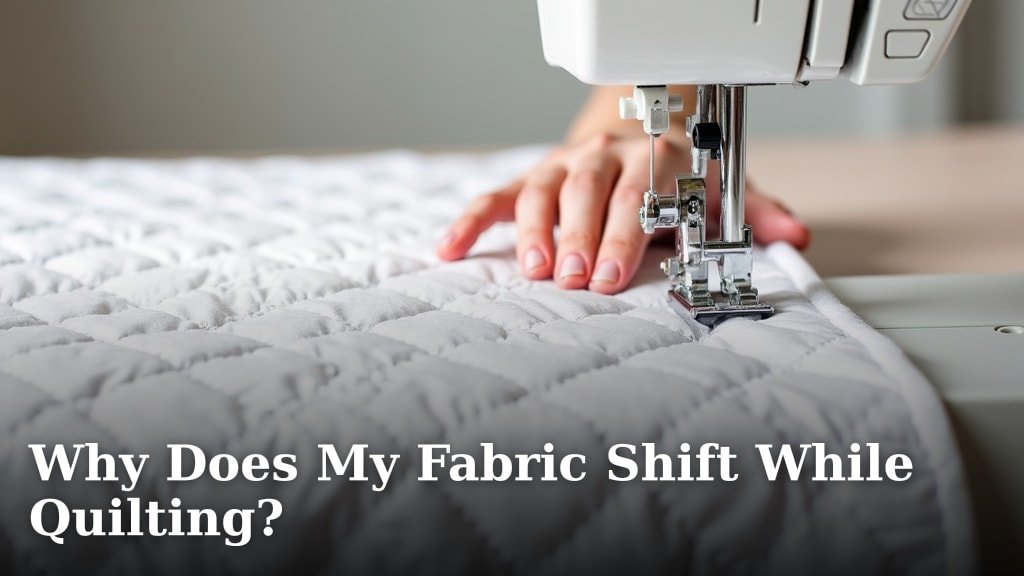
Place a small scrap under the presser foot, lower the foot, and try a few slow stitches while using the reverse control as instructed. Watch whether the fabric moves toward you or stays in place.
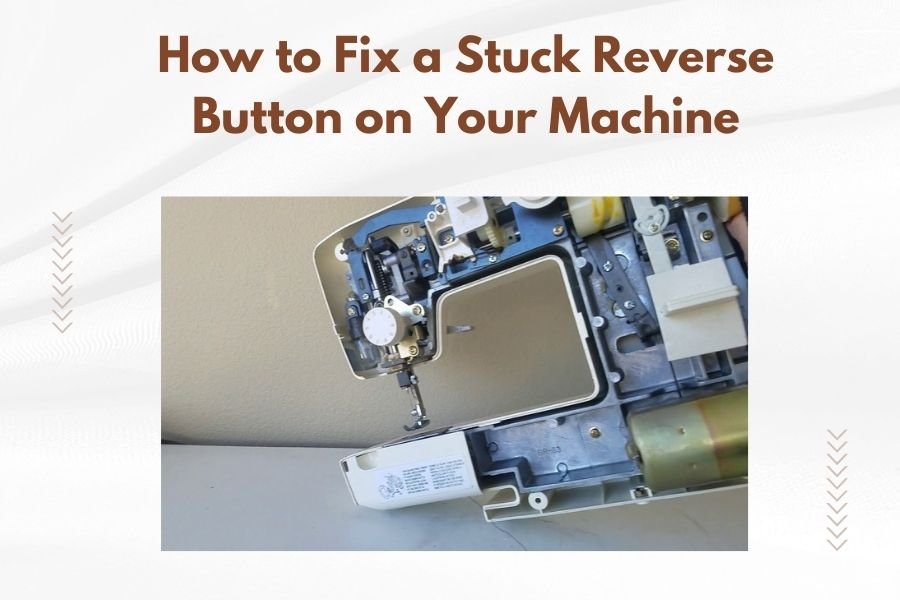
If the control feels jammed, don't pry it or press repeatedly. Follow safe first checks for a stuck reverse button before attempting another test.
Does the Janome MS3015 reverse control work with every stitch?
Use a basic straight stitch for the first reverse test. Stitch choice can affect what you see when you use reverse, so check the manual before treating different behavior on a decorative or stretch stitch as a fault.
Try the test on a fresh section of scrap and sew slowly. If reverse works on straight stitch but not another setting, use the manual's guidance for that stitch rather than changing internal settings.
Could the selected stitch affect reverse stitching?
Yes, stitch selection can change the result of a reverse test. A basic straight stitch gives you a clear way to check whether the fabric feeds backward without the extra movement of a decorative or stretch pattern.
Keep the test short and slow. If the fabric moves backward on straight stitch, the control and feed are responding in that setup; consult the manual about the other stitch before deciding that service is needed.
Don't change internal settings to make one stitch reverse. For broader causes across sewing machines, see why a machine may not stitch in reverse, which covers control, stitch, and fabric-feed symptoms.
What if the reverse control is stuck or doesn't spring back?
Stop using the control if it sticks, stays pressed, or feels loose. Turn off the machine and check for thread or fabric caught around it, without inserting tools into the control housing.
A control that moves but fails to change the feed direction may point to a problem beyond the control itself. Don't remove covers or lubricate the mechanism unless the manual specifically directs you to do so.
If your Janome also sews backward when you are not using reverse, read why a Janome sewing machine can get stuck in reverse. The Janome 110 reverse-lever guide applies only if you own that model, since control layouts differ.
Can threading, lint, or fabric setup cause the problem?
Check the upper thread, bobbin, presser foot, and fabric before blaming the reverse mechanism. If the foot itself seems faulty, follow presser foot troubleshooting steps.
Follow the manual to rethread the machine and confirm that the bobbin is seated correctly. If thread balance remains a concern, see why bobbin thread shows on top.
Turn off and unplug the machine before cleaning. If the manual permits it, remove lint from the accessible bobbin area and feed dogs with the recommended brush; don't blow lint farther inside.
Use a stable woven scrap rather than thick, slippery, or layered fabric for the test. If it still won't feed backward with the foot lowered and the area clean, stop and consider service.
How do you set up a clear reverse test?
Prepare the machine and fabric so you can tell whether reverse feed is working. A small, flat scrap makes it easier to watch the fabric and reduces the chance that bulk or slipping will confuse the result.
First, switch off the machine while checking the threading and bobbin. Then place the scrap under the presser foot, lower the foot, select a basic straight stitch, and turn the handwheel toward you only if the manual directs you to position the needle that way.
If the needle clamp screw will not hold the needle securely, see stripped needle bar threads.
Turn the machine on and sew at low speed while using the reverse control as instructed. Keep your hands clear of the needle, and stop if the fabric bunches, the needle strikes, or the handwheel feels tight.
What common mistakes can make reverse seem broken?
Avoid forcing the control, testing on bulky fabric, or changing several settings at once. Each can make it harder to identify whether the issue is the control, stitch choice, or fabric feed.
Don't test with the presser foot raised, since the fabric may not feed as expected. Don't tug the fabric backward by hand while the needle is moving, and don't keep sewing if the machine sounds or feels different from normal.
Change one condition at a time: use a straight stitch, check that the foot is down, and try a fresh scrap. If those steps do not help, record what happened and move to the service decision rather than repeating the same test.
When should you stop and arrange service?
Stop and arrange service if the control is damaged, the handwheel binds, the needle hits the plate, or the machine makes grinding or clicking noises. For a related model-specific symptom, see Designer SE needle hitting the plate.
If the needle strikes the plate, see bent needle bar troubleshooting for related checks.
Also stop if basic checks do not restore normal forward and reverse stitching.
Repeatedly operating a jammed control can worsen the problem. Keep the machine unplugged while checking accessible areas, and don't adjust internal timing or linkage.
If the machine stitches forward but not backward after these checks, tell the technician which stitch you used, whether the control moved, and whether the fabric fed in either direction. Those details help describe the fault clearly.
Which sewing references help while you troubleshoot?
Choose a reference for the project or sewing skill you want to build, and use the Janome manual for model-specific repair steps. These books serve different purposes and none replaces machine troubleshooting instructions.
Choose it if you want a general sewing reference; skip it if you only need a reverse-feed repair guide.
Choose it for quilting ideas; skip it if your immediate need is diagnosing the MS3015's reverse mechanism.
Skip a general quilting reference if you're looking for reverse-feed repair steps. Use the Janome manual for settings and maintenance.
What is the decision if your Janome MS3015 still won't reverse?
Choose the next step by what the machine does: correct the setup if the test was unclear, clean accessible lint if the area is dirty, and arrange service if the control binds or reverse still fails. For a Janome MS3015 not sewing in reverse after a careful straight-stitch test, don't force the control or keep sewing through unusual noises.
A control that won't move calls for the stuck-control checks above. If it moves but the fabric does not feed backward, verify the foot, stitch, threading, and accessible feed area once, then seek service if the fault remains.
For a foot lever that will not stay raised, see presser foot lever troubleshooting.
If thread breaks or slips during the same test, see why your machine may not hold the thread. If stitch length also changes unexpectedly, read why a stitch regulator may not be working for related troubleshooting.
Frequently asked questions
Why won't my Janome MS3015 sew in reverse?
The reverse control may not be engaged, the selected stitch may behave differently in reverse, or the fabric may not be positioned for a clear test. Stop sewing, raise the needle, and check the manual for model-specific guidance.
If the control sticks or the machine makes unusual noises, stop and arrange service.
How do I test the reverse control on a Janome MS3015?
With the machine stopped, place a woven scrap under the presser foot and lower the foot. Follow the manual's instructions for the reverse control and sew a few slow stitches, watching whether the fabric moves backward.
If the control won't move or the feed stays forward, don't force it.
Can lint stop a Janome MS3015 from stitching in reverse?
Lint near the bobbin area or feed dogs can interfere with fabric movement, though it may not be the cause of a reverse-control problem. Turn the machine off, follow the manual's cleaning steps, and use only the tools it permits.
Avoid opening covers or adjusting internal parts unless the manual directs you to.
When should I take my Janome MS3015 for repair?
Arrange service if the reverse control is damaged or jammed, the machine keeps sewing backward, the handwheel binds, or basic checks do not restore normal stitching. Stop using it if you hear grinding or see needle strikes.
A qualified technician can inspect internal parts without risking further damage.