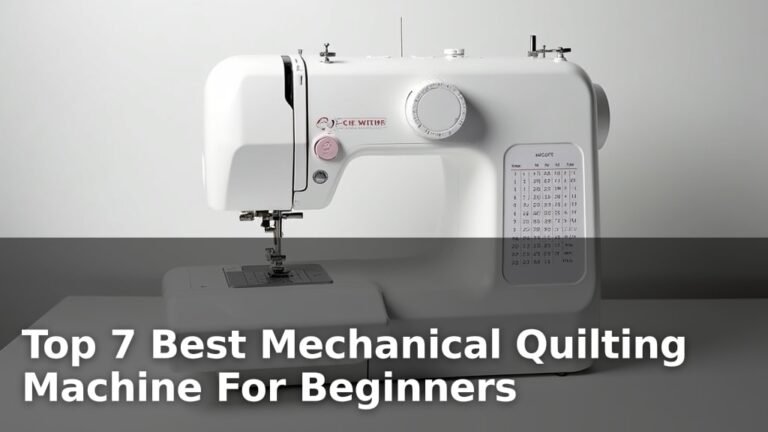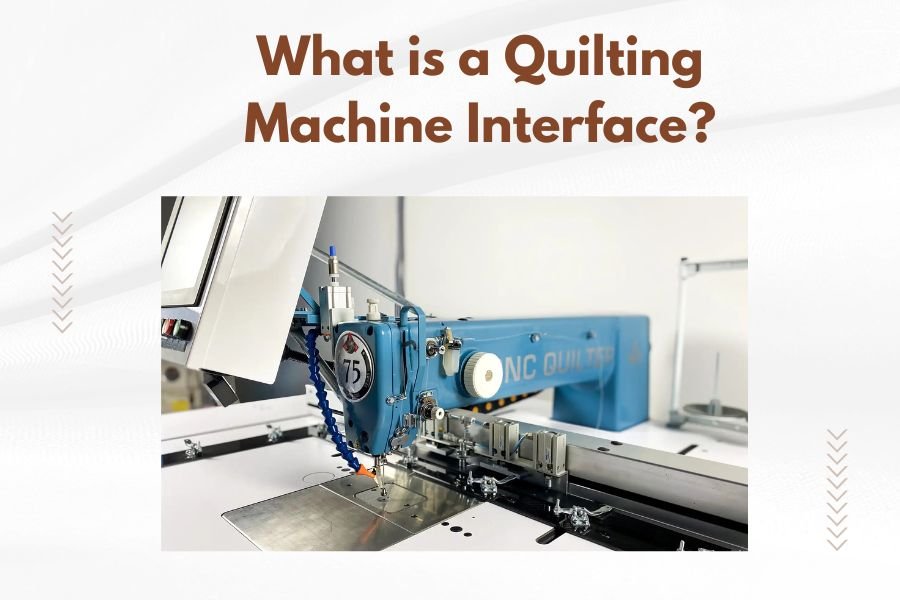
A quilting machine interface is the control panel or touchscreen system that lets you operate and program your quilting machine’s functions, stitches, and settings.
Modern quilting machine interfaces typically include LCD screens, buttons, and digital controls that help you select patterns, adjust tension, control speed, and manage automated features.
Understanding Your Quilting Machine’s Control Center
Think of your quilting machine interface like the dashboard in your car. It’s where you access all the important controls and information you need to create beautiful quilts.
Your interface serves as the communication bridge between you and your machine. Whether you’re a beginner or seasoned quilter, understanding this control system will make your projects smoother and more enjoyable.
Basic Interface Components
Most quilting machines feature these standard interface elements:
- Display screen (LCD or touchscreen)
- Selection buttons or touch controls
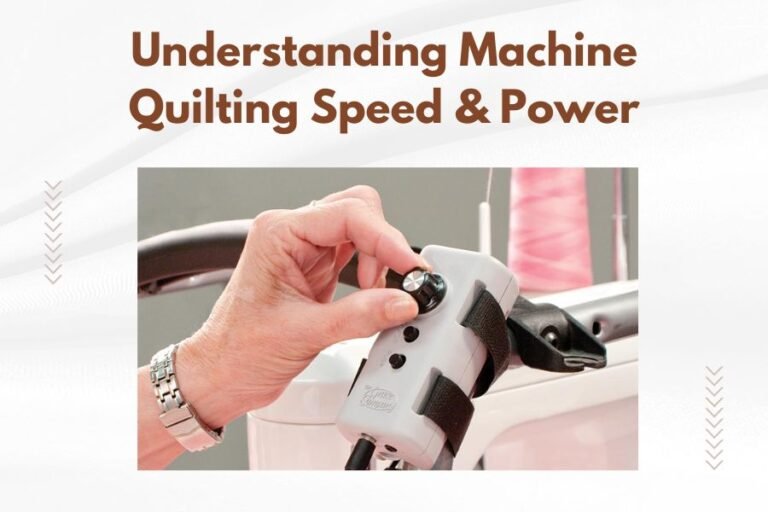
- Speed adjustment dials or sliders
- Start/stop buttons
- Pattern selection menus
- Settings adjustment panels
Types of Quilting Machine Interfaces
You’ll encounter different interface styles depending on your machine’s complexity and price range. Let’s break down the main types.
Basic Button Interfaces
Entry-level machines often use simple button interfaces. These include physical buttons for basic functions like stitch selection and speed control.
You’ll find numbered buttons for different stitches and simple LED displays showing your selections. These interfaces are straightforward but limited in features.
Pros of Button Interfaces
- Easy to learn and use
- Reliable with fewer technical issues
- Less expensive to repair
- Tactile feedback when pressing buttons
Cons of Button Interfaces
- Limited stitch options
- Basic customization features
- No visual pattern previews
LCD Screen Interfaces
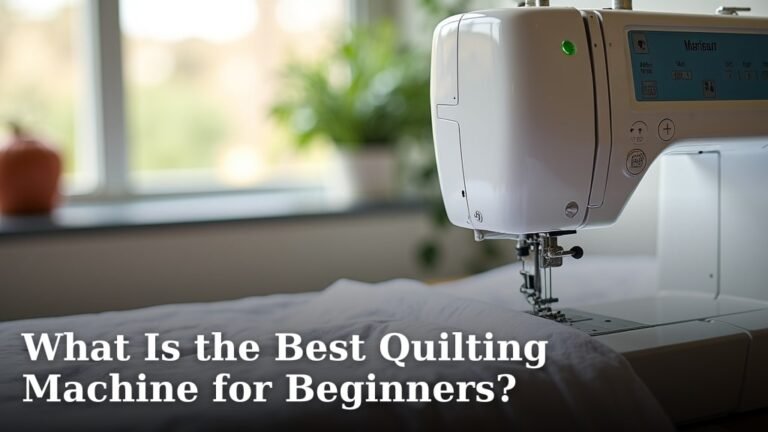
Mid-range quilting machines typically feature LCD screens with menu navigation. These displays show stitch patterns, settings, and helpful information.
You navigate through menus using directional buttons or knobs. The screen displays your current settings and pattern selections clearly.
Benefits of LCD Interfaces
- Visual pattern previews
- More stitch options available
- Clear settings display
- Step-by-step guidance screens
Touchscreen Interfaces
High-end quilting machines often include full-color touchscreen interfaces. These work like tablets, letting you tap, swipe, and pinch to navigate.
Touchscreens offer the most advanced features and easiest navigation. You can see detailed pattern previews and make precise adjustments with your fingertips.
Advanced Touchscreen Features
- Drag-and-drop pattern editing
- Zoom in/out capabilities
- Color-coded information displays
- Tutorial videos built-in
- Pattern combining options
Key Interface Functions You’ll Use Daily
Every quilting machine interface includes certain essential functions. Let me walk you through the ones you’ll use most often.
Stitch Selection and Pattern Choosing
Your interface lets you browse through available stitches and quilting patterns. Most machines organize these into categories like decorative stitches, utility stitches, and quilting designs.
You’ll select patterns by number, category, or visual thumbnail depending on your interface type. Many machines remember your recent selections for quick access.
Pattern Customization Options
Modern interfaces allow you to modify patterns before stitching:
- Adjust stitch length and width
- Change pattern density
- Mirror or rotate designs
- Combine multiple patterns
Speed and Tension Controls
Your interface includes speed adjustment features. You can set maximum stitching speed and often control speed with a foot pedal or knee lifter.
Tension settings help you balance upper and lower thread tension. Many machines show recommended settings for different fabric types right on the interface.
Automatic Tension Features
Some advanced interfaces include automatic tension adjustment. The machine reads your fabric thickness and thread type, then sets tension automatically.
Threading and Setup Assistance
Many modern interfaces provide threading guidance. They show step-by-step diagrams or animations to help you thread your machine correctly.
Setup wizards walk you through initial machine preparation for different projects. These guides save time and reduce setup mistakes.
Interface Navigation Tips
Learning to navigate your quilting machine interface efficiently will speed up your workflow. Here are practical tips I found work well for most quilters.
Start with Basic Functions
Don’t try to learn every feature at once. Focus on these essentials first:
- Pattern selection
- Speed adjustment
- Start/stop controls
- Basic settings menu
Practice Without Thread
Spend time exploring your interface without threading your machine. This lets you experiment freely without wasting thread or fabric.
Use Help and Tutorial Features
Most interfaces include built-in help systems. Look for question mark icons, help buttons, or tutorial menus.
These guides often include video demonstrations and troubleshooting tips specific to your machine model.
Bookmark Favorite Functions
Many interfaces let you save favorite patterns or settings. Use these features to create quick access to your most-used functions.
Common Interface Problems and Solutions
Even the best interfaces can have issues. Here are problems you might encounter and practical solutions.
Unresponsive Touchscreen
Touchscreens can become less responsive over time. Clean your screen gently with a microfiber cloth and avoid using sharp objects.
If cleaning doesn’t help, check your machine’s manual for calibration instructions. Most touchscreen machines include calibration tools in their settings menu.
Frozen or Slow Interface
Like computers, quilting machine interfaces can freeze or run slowly. Try restarting your machine by turning it off, waiting 30 seconds, then turning it back on.
Regular software updates can prevent many interface problems. Check with your machine manufacturer for update procedures.
Memory and Storage Issues
Machines with pattern storage can run out of memory. Delete old or unused patterns to free up space for new designs.
Choosing the Right Interface for Your Needs
The best interface depends on your quilting goals, experience level, and budget. Let me help you decide what works for you.
For Beginning Quilters
Simple button interfaces work well if you’re just starting. They’re less overwhelming and help you focus on basic quilting skills without interface distractions.
Look for machines with clear button labels and simple LCD displays showing essential information.
For Intermediate Quilters
LCD screen interfaces offer a good balance of features and simplicity. You get pattern previews and customization options without touchscreen complexity.
These interfaces typically include enough features to grow with your skills while remaining manageable.
For Advanced Quilters
Touchscreen interfaces provide maximum flexibility and features. If you enjoy experimenting with patterns and need precise control, touchscreens are worth the investment.
Consider connectivity features like USB ports or WiFi for importing custom patterns.
Interface Maintenance and Care
Proper interface care extends your machine’s life and prevents frustrating problems during important projects.
Regular Cleaning
Clean your interface regularly with appropriate materials. Use soft, lint-free cloths for screens and avoid harsh chemicals.
Dust and lint can interfere with buttons and touchscreen sensitivity. Include interface cleaning in your regular machine maintenance routine.
Protecting Touchscreens
Consider screen protectors for touchscreen interfaces. These thin films prevent scratches and reduce fingerprint buildup.
Software Updates
Keep your interface software current when updates are available. Updates often fix bugs and add new features.
Check your manufacturer’s website periodically for update announcements and instructions.
Future Interface Technology
Quilting machine interfaces continue evolving with new technology. Understanding upcoming trends helps you make informed purchasing decisions.
Voice Control Integration
Some manufacturers are exploring voice control features. These let you adjust settings and select patterns using spoken commands.
Voice control could be especially helpful when your hands are busy positioning fabric.
Smartphone App Connectivity
Mobile apps that connect to quilting machines are becoming more common. These apps let you design patterns on your phone and send them to your machine.
App connectivity also enables remote monitoring and control of some machine functions.
Cloud Pattern Storage
Cloud-based pattern libraries let you access thousands of designs without using your machine’s internal storage.
Getting the Most from Your Interface
Your quilting machine interface is a powerful tool when you know how to use it effectively. Take time to learn its features gradually.
Don’t be afraid to experiment with different settings and patterns. Most interfaces include undo functions, so mistakes are easily corrected.
Join online communities and forums where quilters share interface tips and tricks. Learning from experienced users can reveal features you might otherwise miss.
Conclusion
Your quilting machine interface is the gateway to all your machine’s capabilities. Whether you have a simple button system or an advanced touchscreen, understanding your interface makes quilting more enjoyable and efficient.
Start with basic functions and gradually explore advanced features as your confidence grows. Regular maintenance and care will keep your interface working smoothly for years of creative quilting projects.
Remember that the best interface is one you feel comfortable using. Focus on features that match your quilting style and goals rather than getting overwhelmed by every available option.
What’s the difference between LCD and touchscreen quilting machine interfaces?
LCD interfaces use separate buttons for navigation and display information on a screen, while touchscreen interfaces let you tap directly on the screen to make selections. Touchscreens typically offer more features and easier navigation but cost more than LCD systems.
Can I update my quilting machine interface software?
Many modern quilting machines allow software updates through USB ports or internet connections. Check your machine’s manual or manufacturer website for update availability and instructions specific to your model.
Why does my quilting machine interface sometimes freeze or respond slowly?
Interface freezing usually happens due to memory overload, outdated software, or temporary system glitches. Try restarting your machine, clearing stored patterns you don’t use, and checking for software updates to resolve these issues.
How do I clean my quilting machine’s touchscreen safely?
Use a soft, lint-free microfiber cloth slightly dampened with water or screen cleaner made for electronics. Avoid harsh chemicals, abrasive materials, or excessive moisture that could damage the screen or internal components.
What interface features should I look for as a beginner quilter?
Look for clear, labeled buttons, simple pattern selection menus, built-in tutorials or help functions, and easy-to-read displays showing current settings. Avoid overly complex interfaces that might overwhelm you while learning basic quilting skills.