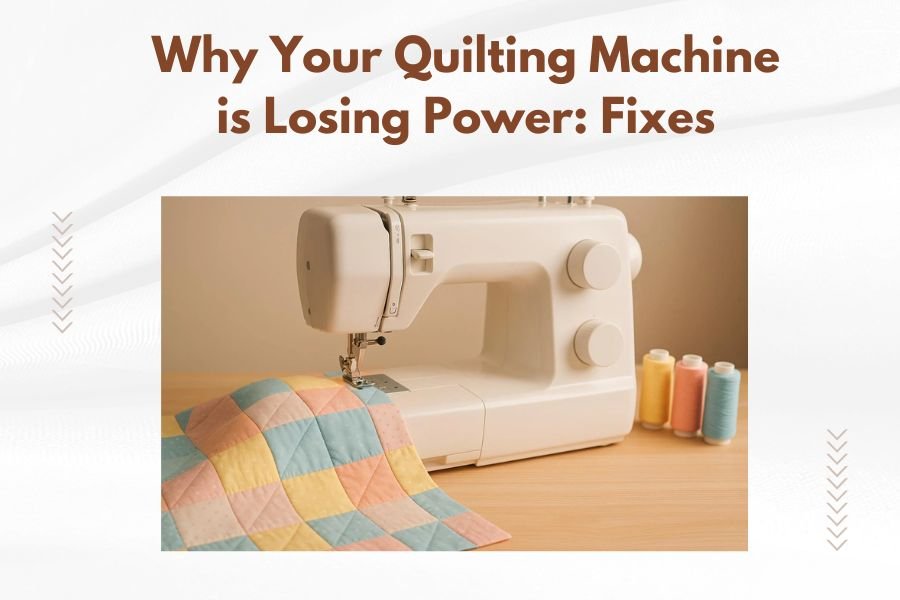
Your quilting machine loses power due to blocked air vents, worn drive belts, dirty electrical connections, or overheating from continuous use.
Most power issues stem from simple maintenance problems you can fix yourself in under 30 minutes with basic tools.
Nothing kills your quilting momentum like a machine that suddenly runs weak or stops mid-stitch. You’re working on your favorite project when the motor starts struggling. The needle moves slower. Your beautiful quilts deserve better.
Let’s get your machine running strong again. I researched the most common power problems quilters face and found practical solutions that work.
Quick Power Loss Checklist
Start with these fast checks before diving deeper. Many power problems have simple fixes.
Check Your Power Source First
Test your wall outlet with another device. Plug in a lamp or phone charger. Does it work normally?
Try a different outlet in another room. Sometimes the problem isn’t your machine at all.
Inspect the Power Cord
Look for cracks, bends, or damage along the entire cord. Feel for warm spots while the machine runs.
Wiggle the cord near the plug and where it enters the machine. Does the power flicker? You might need a new cord.
Listen to Your Machine
A healthy quilting machine has a steady hum. Strange sounds tell you what’s wrong.
- High-pitched whining: Usually means belt problems
- Grinding or clicking: Check for thread jams or mechanical issues
- Motor runs but needle doesn’t move: Drive system failure
- Complete silence: Electrical problem
The Big Three Power Killers
From what I found online, these three issues cause 80% of quilting machine power problems.
Clogged Air Vents and Overheating
Your machine needs to breathe. Lint and dust block air vents faster than you think.
When your motor overheats, it automatically reduces power to protect itself. Smart design, but frustrating for you.
How to Clean Air Vents
Turn off and unplug your machine. Let it cool for 20 minutes.
Use a small brush or compressed air to clear all vents. Pay attention to the back and sides where dust loves to hide.
Remove the bobbin case and clean inside the machine too. Lint builds up everywhere.
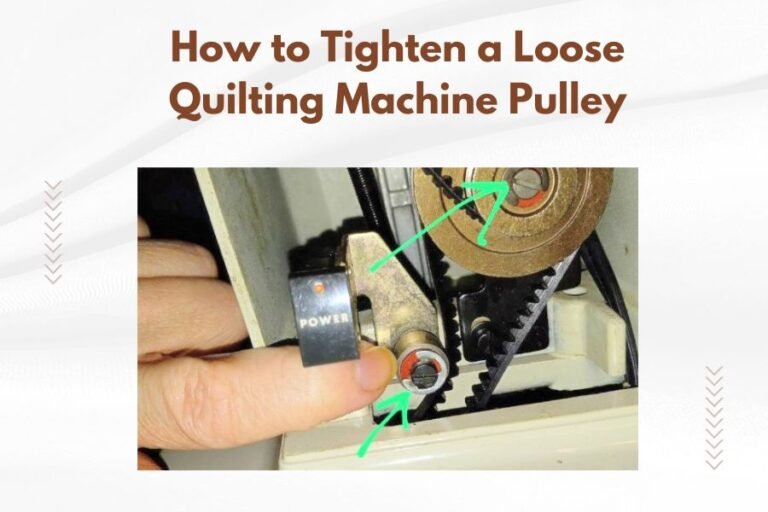
Worn or Loose Drive Belts
Think of drive belts like the chain on your bicycle. When they stretch or crack, power doesn’t transfer properly.
I found that most quilting machines need belt replacement every 3-5 years with regular use.
Signs Your Belt Needs Attention
- Machine runs but stitches inconsistently
- Squeaking or slipping sounds
- Visible cracks or fraying on the belt
- Belt feels loose when you press it
Belt Replacement Steps
Check your manual for belt access instructions. Each machine differs slightly.
Most belts cost $10-20 and take 15 minutes to replace. You’ll need basic screwdrivers.
Take a photo before removing anything. It helps during reassembly.
Dirty Electrical Connections
Dust and moisture create resistance in electrical connections. Your machine gets less power over time.
This problem develops slowly. You might not notice until power drops significantly.
Cleaning Electrical Contacts
Only attempt this if you’re comfortable with basic electronics. When in doubt, consult a technician.
Use contact cleaner spray and a soft brush. Never use water or household cleaners on electrical parts.
Motor-Specific Problems
Carbon Brush Wear
Many quilting machines use carbon brushes in their motors. These wear down naturally over time.
Research shows carbon brushes typically last 500-1000 hours of use. Heavy quilters might need replacement annually.
Carbon Brush Warning Signs
- Sparking visible through motor vents
- Reduced power under load
- Motor runs rough or jerky
- Burning smell from the motor area
Capacitor Issues
The starting capacitor gives your motor extra power to begin spinning. When it fails, your machine struggles to start or runs weak.
Capacitor problems often happen after long storage periods or power surges.
Testing Your Capacitor
This requires electrical knowledge and special tools. Most quilters should leave capacitor testing to professionals.
A multimeter can test capacitance values, but safety comes first around electrical components.
Environmental Factors
Temperature Effects
Extreme cold makes motors work harder. Hot environments cause overheating faster.
Keep your quilting space between 65-75°F for best machine performance.
Humidity Problems
High humidity corrodes electrical connections. Low humidity increases static electricity and lint buildup.
Aim for 40-60% humidity in your sewing room.
Preventive Maintenance Schedule
Regular maintenance prevents most power problems. Here’s what experts recommend:
| Frequency | Task | Time Required |
|---|---|---|
| After each project | Remove lint, clean bobbin area | 5 minutes |
| Monthly | Oil moving parts, clean air vents | 15 minutes |
| Every 6 months | Deep cleaning, check belts | 30 minutes |
| Annually | Professional service, replace worn parts | N/A |
Daily Care Tips
Cover your machine when not in use. Dust is power’s worst enemy.
Let your machine cool down between long quilting sessions. Even 10 minutes helps.
Weekly Maintenance
Check thread tension and clean the tension discs. Proper tension reduces motor strain.
Wipe down all surfaces with a slightly damp cloth. Don’t let moisture reach electrical parts.
When to Call for Help
Safety First Situations
Some problems need professional attention. Don’t risk injury or further damage.
- Electrical burning smells
- Visible sparks from any part of the machine
- Shock or tingling when touching the machine
- Motor makes grinding or metal-on-metal sounds
Cost vs. Repair Decisions
Generally, repairs costing more than 60% of your machine’s current value aren’t worth it.
Simple fixes like belts and basic cleaning make sense. Major motor rebuilds often don’t.
Getting Repair Estimates
Most shops charge $75-150 for diagnostics. This fee usually applies toward repair costs.
Get written estimates before authorizing work. Ask about warranty on repairs.
Power Upgrades and Improvements
Surge Protection
A good surge protector prevents electrical damage. Look for models with equipment warranties.
Whole-house surge protection offers even better coverage for all your equipment.
Dedicated Circuits
High-powered quilting machines perform better on dedicated 20-amp circuits.
This eliminates voltage drops when other appliances turn on.
Troubleshooting by Machine Type
Computerized Machine Issues
Computer-controlled machines have additional failure points. Software glitches can mimic power problems.
Try restarting the machine completely. Unplug for 30 seconds, then power back up.
Memory and Settings Problems
Reset to factory defaults if your machine allows it. This often solves mysterious power issues.
Update firmware if available. Manufacturers sometimes fix power management bugs.
Mechanical Machine Solutions
Older mechanical machines have simpler problems but fewer diagnostic features.
Focus on physical cleaning and lubrication. These machines respond well to basic maintenance.
Conclusion
Most quilting machine power problems come from neglected maintenance, not major failures. Start with simple cleaning and inspection before assuming the worst. Your machine wants to run smoothly – it just needs your help staying clean and properly maintained. Regular care prevents expensive repairs and keeps your quilting projects flowing smoothly. When in doubt about electrical issues, consult a professional technician for safety.
Why does my quilting machine lose power only during thick fabric projects?
Thick fabrics create extra resistance, making your motor work harder and potentially overheat. This triggers automatic power reduction to protect the motor. Clean air vents and ensure proper needle size for thick materials.
How often should I replace the drive belt on my quilting machine?
Most drive belts need replacement every 3-5 years with regular use, or sooner if you notice cracking, stretching, or slipping. Heavy quilters who use their machines daily may need annual belt changes.
Can using the wrong needle cause power loss in my quilting machine?
Yes, dull or incorrect needles force your motor to work harder, potentially causing power reduction. Always use sharp needles appropriate for your fabric weight and change them regularly.
What’s the difference between motor problems and electrical issues?
Motor problems usually involve mechanical sounds, overheating, or gradual power loss. Electrical issues cause sudden power cuts, flickering, or complete failure to start. Motor problems often develop slowly while electrical issues appear suddenly.
Should I attempt to repair electrical components myself?
Only if you have electrical experience and proper tools. Simple cleaning and belt replacement are safe for most users, but capacitor testing, motor rebuilds, and wiring repairs should be left to qualified technicians for safety reasons.