Quilting machine error codes clear when you turn the machine off for 30 seconds, then restart it while checking for thread jams or sensor blockages.
Most quilting machine error codes resolve through simple troubleshooting steps like rethreading, cleaning sensors, or adjusting fabric positioning.
Your quilting machine just stopped mid-stitch and started flashing cryptic numbers at you. Don’t panic. Every quilter faces this frustrating moment at some point.
Error codes are your machine’s way of saying “help me.” Think of them as warning lights on your car dashboard. They’re annoying but useful.
Quick Reset Method That Works for Most Error Codes
Start with the universal reset. This simple trick clears about 70% of quilting machine errors.
Turn off your machine completely. Wait 30 seconds. Turn it back on. Many temporary glitches disappear with this basic restart.
If the error code returns immediately, you need to dig deeper. The machine is telling you about a real problem that needs fixing.
Common Error Code Categories
Threading and Tension Errors
These show up as codes like E1, E2, or TH on most machines. Your thread path has issues.
Check your upper thread first. Remove it completely and rethread from scratch. Follow your manual’s threading diagram exactly.
Look at your bobbin next. Is it inserted correctly? The thread should pull smoothly without catching.
Tension Problems
Uneven stitches often trigger error codes. Your top and bottom threads aren’t playing nicely together.
Try a different thread brand. Some threads are too thick or slippery for your machine’s sensors.
Needle and Presser Foot Errors
Codes like NE or PF mean your needle or presser foot needs attention.
Remove your needle and check for damage. Even tiny bends cause big problems. Replace it with a fresh needle sized correctly for your thread.
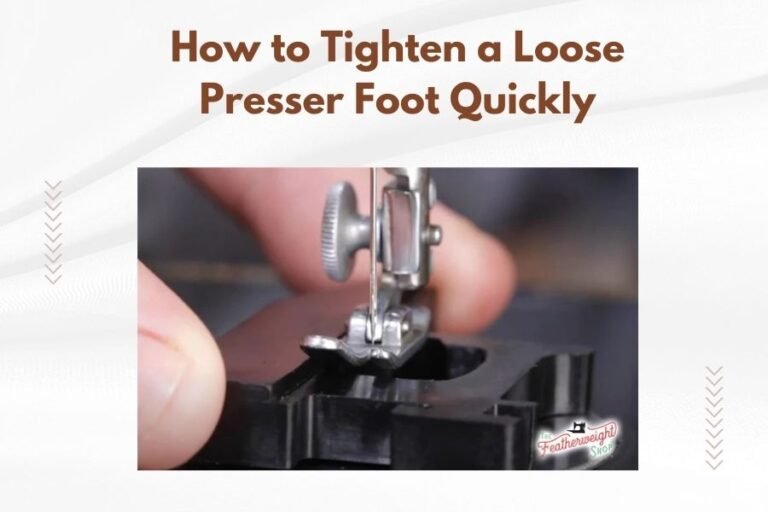
Make sure your presser foot is attached properly. Some machines won’t start if they don’t detect the foot correctly.
Needle Position Issues
Your needle might be stuck in the wrong position. Most machines have a needle up/down button. Press it to move the needle to its home position.
Sensor-Related Error Codes
Thread Break Sensors
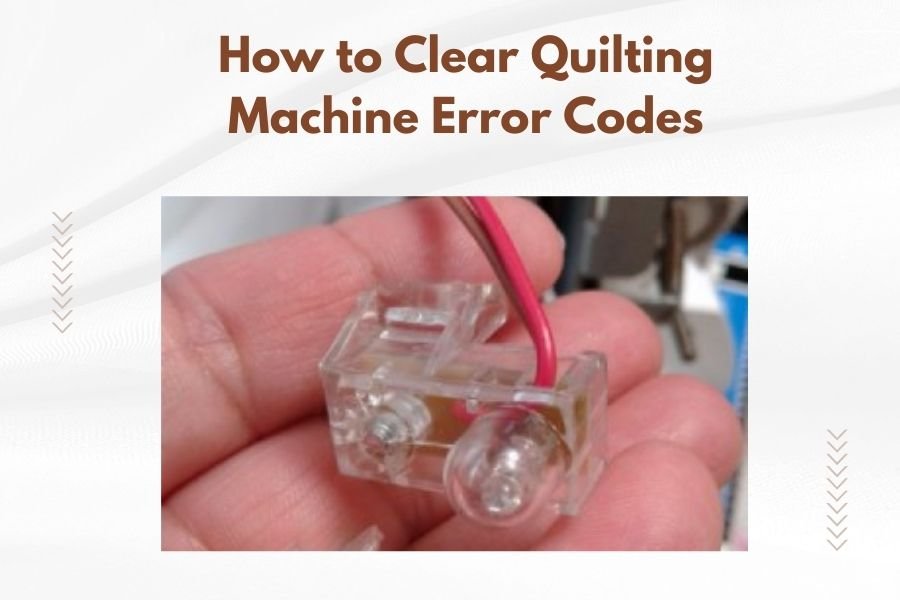
Modern quilting machines use sensors to detect broken threads. Sometimes these sensors get confused by lint or thread bits.
Clean around your thread guides with a small brush. Compressed air works great for blowing out hidden lint.
Check that your thread is actually passing through all the sensor areas. Sometimes thread jumps out of a guide during quilting.
Fabric Sensor Errors
Some high-end machines detect fabric thickness and tension. Bulky seams or uneven layers can trigger error codes.
Adjust your fabric so it lies flat. Remove any pins near the needle area. These can confuse optical sensors.
Frame Position Sensors
Longarm quilting machines track frame position constantly. If the frame moves too fast or hits a limit, you’ll get error codes.
Move your frame slowly back to center position. Check that all wheels roll smoothly and nothing is binding.
Motor and Mechanical Error Codes
Overheating Errors
Fast quilting generates heat. Your machine protects itself by shutting down when it gets too hot.
Let it cool down for 15-30 minutes. Check that cooling vents aren’t blocked by lint or fabric scraps.
Slow down your quilting speed if overheating happens often. Your machine is telling you to take breaks.
Belt and Drive Errors
These show up as grinding sounds with error codes. Something in the drive system is struggling.
Turn off the machine immediately. Check for thread tangles around the bobbin area or hand wheel.
Never force the hand wheel. If it won’t turn smoothly, call for service.
Timing Issues
When your needle and bobbin hook don’t sync properly, you get timing errors. This needs professional repair.
Signs include skipped stitches, loud noises, and persistent error codes after cleaning and rethreading.
Brand-Specific Error Code Patterns
Different brands use different coding systems. Here’s what I found from researching major quilting machine manufacturers.
| Brand | Common Codes | Typical Meaning |
|---|---|---|
| Brother | E1-E6 | Threading and tension issues |
| Janome | F1-F9 | Feed mechanism problems |
| Handi Quilter | ST, TH, NE | Stitch, thread, needle errors |
| APQS | ERR plus numbers | System-wide diagnostic codes |
Reading Your Manual
Your manual has a complete error code list. Keep it handy or bookmark the digital version on your phone.
Some codes are machine-specific. What means “low oil” on one brand might mean “sensor dirty” on another.
Online Resources
Manufacturer websites often have updated error code databases. Software updates sometimes add new codes or change existing ones.
Prevention Tips to Avoid Future Error Codes
Regular Maintenance Schedule
Clean your machine after every project. Lint buildup causes more error codes than any other factor.
Oil your machine according to the manual schedule. Dry mechanisms work harder and trigger protection codes.
Quality Thread and Needles
Cheap thread shreds and breaks, confusing your machine’s sensors. Invest in good thread from reputable brands.
Change needles regularly. Dull needles stress your machine and cause timing issues.
Proper Threading Technique
Thread with the presser foot up. This opens the tension discs properly.
Pull thread firmly through each guide. Loose threading causes intermittent sensor problems.
When to Call for Professional Help
Recurring Error Codes
If the same code appears repeatedly after basic troubleshooting, you need professional diagnosis.
Keep notes about when errors happen. Does it occur after 30 minutes of quilting? During fast movements? This helps technicians.
Multiple Simultaneous Codes
When several error codes appear together, your machine has a serious problem. Don’t keep trying fixes.
Complex electrical issues need proper diagnostic tools. Home troubleshooting can make things worse.
Safety Considerations
Never bypass safety systems to clear error codes. These protections prevent expensive damage.
If you smell burning or see sparks, unplug immediately and call for service.
Emergency Troubleshooting Checklist
When an error code appears, work through this list systematically:
- Turn machine off and on again
- Check all thread paths and rethread completely
- Replace needle with correct size
- Clean lint from bobbin area and sensors
- Verify presser foot is attached properly
- Check fabric positioning and remove pins
- Let machine cool if it feels warm
- Consult manual for specific code meaning
Documentation
Write down error codes and what fixed them. You’ll start seeing patterns in your machine’s behavior.
Take photos of unusual thread tangles or mechanical issues. These help service technicians if you need repairs.
Conclusion
Quilting machine error codes feel scary but they’re usually simple fixes. Start with basic troubleshooting like rethreading and cleaning before panicking. Most codes clear with routine maintenance and proper technique.
Remember that error codes protect your machine from damage. They’re helpful warnings, not punishment for mistakes. Keep your manual handy and don’t be afraid to call professionals when basic fixes don’t work.
With patience and practice, you’ll handle error codes like a pro. Your machine wants to help you create beautiful quilts. Sometimes it just needs a little attention first.
Why does my quilting machine keep showing the same error code after I fix it?
Recurring error codes usually mean the root problem wasn’t addressed. Check for lint buildup in hidden areas, verify your thread quality, and make sure all sensors are clean. Sometimes the issue is mechanical and needs professional diagnosis.
Can I damage my quilting machine by ignoring error codes?
Yes, error codes are safety warnings that prevent expensive damage. Continuing to quilt with active error codes can harm motors, bend timing mechanisms, or damage electronic components. Always address codes before resuming work.
How often should I clean my machine to prevent error codes?
Clean your quilting machine after every project or every 8-10 hours of use. Heavy quilting with dark fabrics or batting creates more lint and requires more frequent cleaning. Monthly deep cleaning prevents most sensor-related error codes.
What should I do if my machine shows an error code not listed in the manual?
Contact your dealer or manufacturer’s customer service immediately. New error codes sometimes appear after software updates, or your machine may have developed a unique problem requiring professional diagnosis. Don’t guess at solutions for unknown codes.
Are generic fixes safe for all quilting machine brands?
Basic troubleshooting like rethreading and cleaning works for all brands, but specific fixes vary by manufacturer. Always consult your machine’s manual first, as some brands have unique requirements that generic advice might miss or contradict.