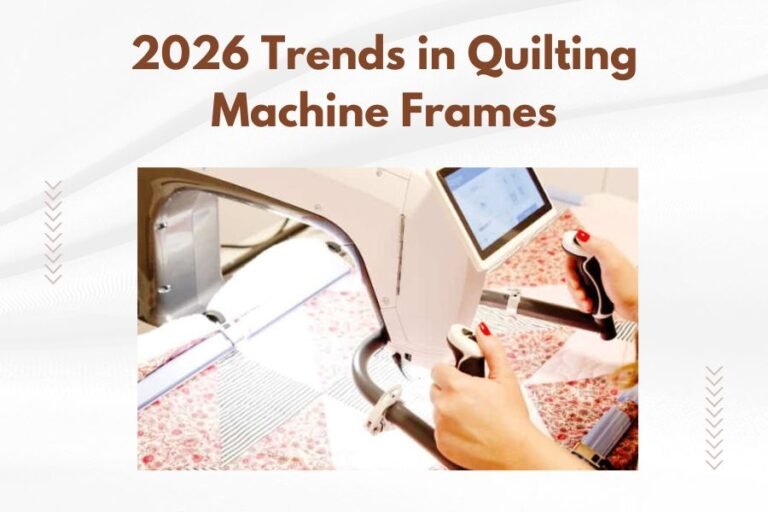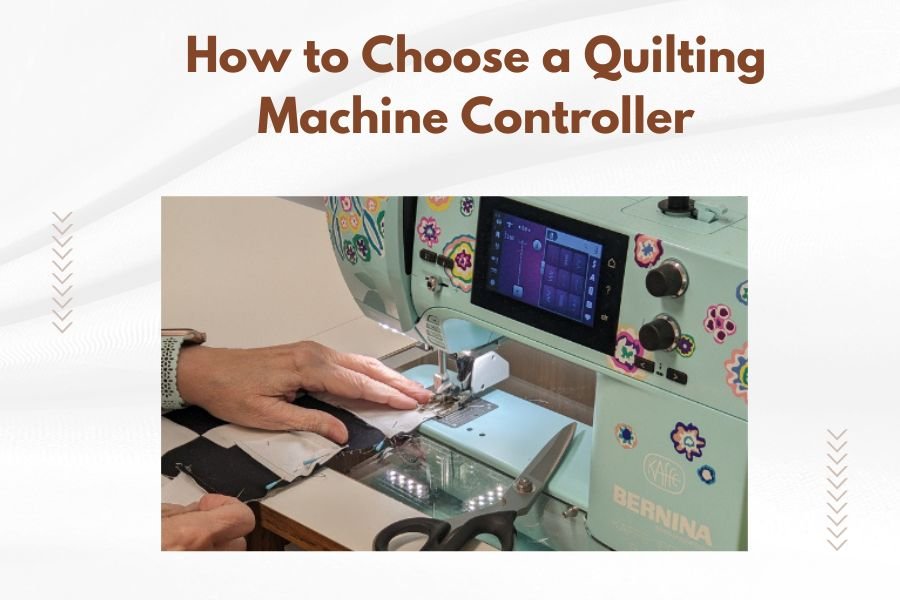
A quilting machine controller is the electronic device that manages your machine’s speed, stitch patterns, and automated functions to help you create precise, professional quilts.
The best quilting machine controller depends on your skill level, budget, and desired features like computerized patterns, speed control, and workspace compatibility.
What Is a Quilting Machine Controller
Think of a quilting machine controller as the brain of your quilting setup. It connects to your machine and gives you precise control over every aspect of your quilting process.
I found that most controllers handle three main jobs. They control stitching speed, manage pattern execution, and coordinate the movement between your machine and quilting frame.
Some controllers are built into the machine itself. Others are separate units you can add to upgrade your current setup.
Types of Quilting Machine Controllers
Basic Manual Controllers
Manual controllers give you simple speed control and basic stitch regulation. You guide the quilting path by hand while the controller keeps your stitches even.
These work well for beginners who want consistent results without breaking the bank. I researched and found they typically cost between $200-500.
Computerized Pattern Controllers
Computerized controllers store hundreds of quilting patterns in their memory. You select a design, and the controller moves your machine automatically to create the pattern.
Many experts say these controllers save hours of work on complex designs. They’re perfect if you love intricate patterns but don’t want to trace them by hand.
Tablet-Based Controllers
Newer controllers use tablets or touchscreens as their interface. You can download new patterns, create custom designs, and even import your own artwork.
From what I read, tablet controllers offer the most flexibility. You get regular software updates and access to online pattern libraries.
Key Features to Consider
Stitch Regulation Quality
Good stitch regulation keeps your stitches the same length even when you change quilting speed. This makes your finished quilt look professional.
I found online that the best controllers adjust stitch length in real-time. They sense how fast you’re moving and adjust the needle speed to match.
Speed Control Range
Different quilting techniques need different speeds. Detail work requires slow, precise stitching. Large fill areas can handle faster speeds.
Look for controllers with a wide speed range. Most good ones offer 50-3000 stitches per minute.
Variable Speed Settings
Some controllers have preset speed settings for common tasks. Others give you infinite adjustment with a dial or slider.
Beginners often prefer preset speeds. Advanced quilters usually want full control over every adjustment.
Pattern Storage and Memory
Pattern storage capacity varies wildly between controllers. Basic models might hold 50 patterns. High-end units can store thousands.
Consider how many different patterns you’ll actually use. Most quilters stick to 20-30 favorite designs for regular projects.
Custom Pattern Creation
Advanced controllers let you create your own patterns. You can combine existing elements or draw completely new designs.
This feature adds significant cost. Only invest in it if you plan to design original quilts regularly.
Compatibility Considerations
Machine Compatibility
Not every controller works with every quilting machine. Check compatibility before you buy anything.
I came across information showing that most controllers work with standard home quilting machines. Longarm machines often need specific controller types.
Frame Integration
If you use a quilting frame, your controller needs to coordinate with it. The controller tells both the machine and frame how to move together.
Some frames come with their own controllers built in. Others require separate units that bolt onto the frame.
Software Updates
Controllers with updatable software stay current longer. You can add new features and fix bugs without buying new hardware.
Check how the manufacturer handles updates. Some are free forever. Others charge for major upgrades.
Budget Guidelines
Entry-Level Options ($200-800)
Entry-level controllers focus on stitch regulation and basic speed control. They’re perfect for beginners who want consistent results.
You’ll get reliable performance without fancy features. Most include enough patterns for typical quilting projects.
Mid-Range Controllers ($800-2000)
Mid-range units add computerized patterns and better touchscreen interfaces. They often include custom pattern creation tools.
Many experts recommend this range for serious hobbyists. You get professional features without the highest-end price tag.
Professional Controllers ($2000+)
Professional controllers offer everything. Thousands of patterns, advanced editing software, and integration with design programs.
These make sense if quilting is your business or primary hobby. The time savings on complex projects justify the investment.
Installation and Setup
Professional vs DIY Installation
Some controllers require professional installation. Others are plug-and-play devices you can set up yourself.
Professional installation typically costs $100-300. It’s worth it for complex systems or if you’re not comfortable with technical setup.
Calibration Requirements
All controllers need calibration to work properly with your specific machine and setup. This process teaches the controller your machine’s characteristics.
Good controllers include step-by-step calibration guides. The process usually takes 15-30 minutes.
Common Mistakes to Avoid
Buying Too Many Features
It’s tempting to buy the controller with the most features. But you’ll pay for capabilities you might never use.
Start with your actual quilting habits. What do you make most often? What takes the most time in your current process?
Ignoring Learning Curve
Controllers with more features require more learning time. Factor this into your decision, especially if you quilt infrequently.
I heard from experts that simple controllers let you start quilting immediately. Complex ones might take weeks to master.
Underestimating Space Requirements
Controllers need mounting space and cable runs to your machine. Measure your quilting area before choosing a controller size.
Some controllers mount on your machine. Others need separate stands or table space.
Maintenance and Longevity
Regular Cleaning
Controllers collect dust and lint like any electronic device. Clean touchscreens weekly and air vents monthly.
Use compressed air for vents and lint-free cloths for screens. Avoid liquid cleaners unless the manual specifically recommends them.
Software Maintenance
Keep your controller’s software updated. New versions often improve performance and add patterns.
Back up your custom patterns regularly. Controller failures can wipe out years of design work.
Making Your Final Decision
Start by listing your must-have features versus nice-to-have options. This helps you focus on controllers that match your actual needs.
Consider your quilting frequency and skill growth plans. A controller should serve you for 5-10 years, so think about where your quilting might go.
Read reviews from quilters with similar needs and experience levels. Their real-world feedback often reveals issues that specifications don’t show.
Conclusion
Choosing the right quilting machine controller comes down to matching features with your actual quilting needs and budget. Focus on stitch regulation quality and speed control as your foundation, then add pattern features based on your creative goals.
Remember that the best controller is one you’ll actually use regularly. A simple, reliable unit that improves your current quilting process beats a complex system that sits unused because it’s too complicated.
Take time to research compatibility with your existing equipment. The right controller should integrate smoothly with your machine and workspace, making your quilting more enjoyable rather than more complicated.
What’s the difference between a quilting machine controller and a sewing machine computer?
A quilting machine controller specifically manages continuous quilting motions and stitch regulation for free-motion work, while sewing machine computers focus on individual seams and embroidery patterns. Quilting controllers coordinate with frames and handle variable speeds better.
Can I upgrade my existing quilting machine with a new controller?
Many quilting machines can accept aftermarket controllers, but compatibility depends on your machine’s age and model. Check with the controller manufacturer about specific compatibility before purchasing, as some older machines may need additional hardware modifications.
How long does it take to learn a new quilting controller system?
Basic controllers with simple speed and stitch regulation can be learned in a few hours. Complex pattern-based controllers typically require 2-4 weeks of regular practice to become comfortable with all features and menu systems.
Do quilting controllers work with all thread types and weights?
Most modern controllers adapt to different thread weights through tension and speed adjustments, but metallic threads and very heavy threads may require manual fine-tuning. The controller’s stitch regulation sensors work best with standard cotton and polyester quilting threads.
What happens if my quilting controller breaks during a project?
Most quilting machines can operate in manual mode without their controller, though you’ll lose stitch regulation and automated features. Always save your progress frequently and keep contact information for technical support to minimize project delays during repairs.